
Getting Started
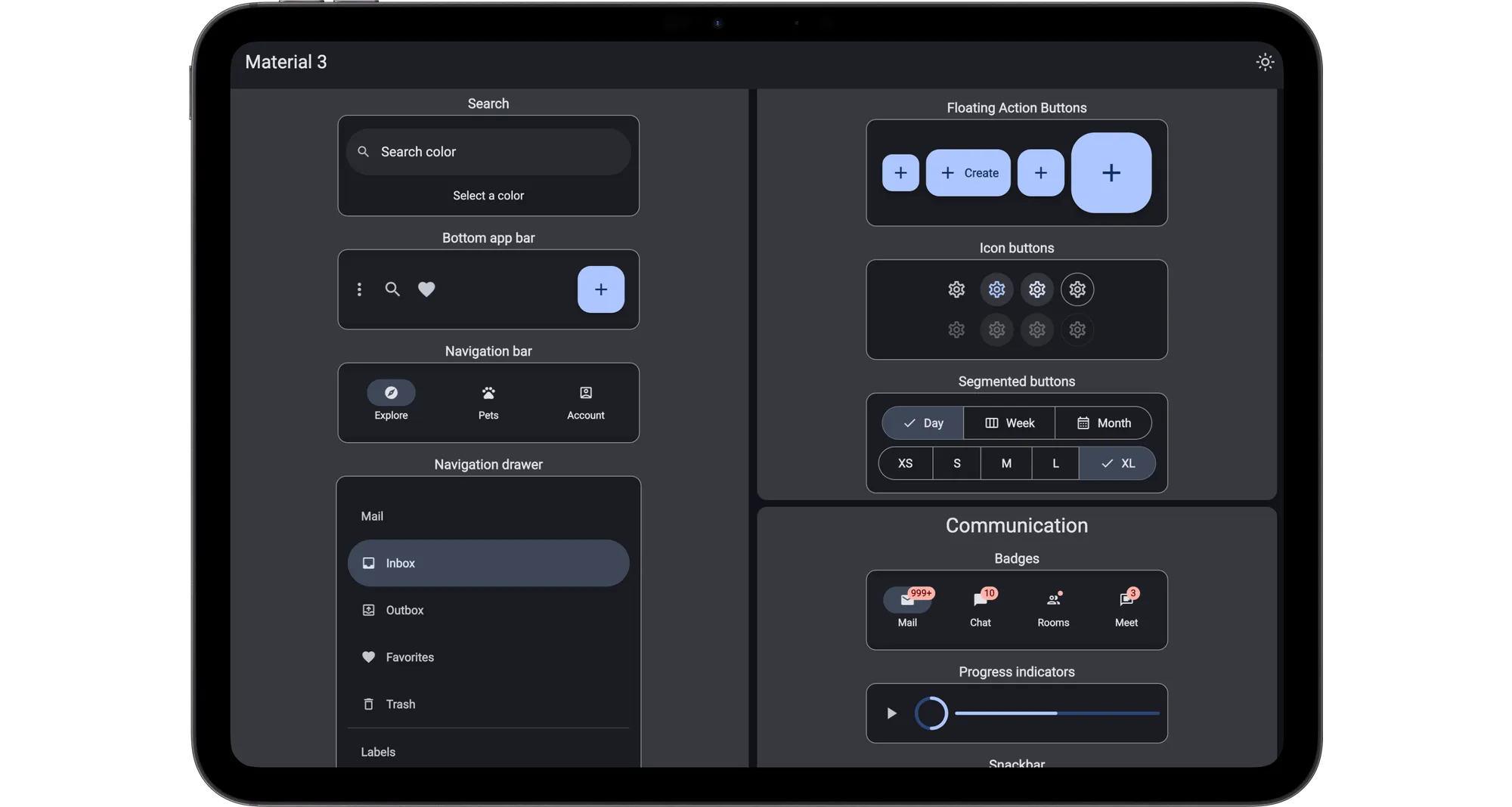
This is a technical preview of the Material 3 Design System for Slint. Learn more about Slint here ↗.
We recommend using an IDE for development, along with our LSP-based IDE integration for .slint files ↗. You can also load this project directly in Visual Studio Code ↗ and install our Slint extension ↗.
- Install Rust by following its getting-started guide ↗. Once this is done, you should have the rustc compiler and the cargo build system installed in your
PATH. - Clone the getting-started repository:
git clone git clone --recurse-submodules https://github.com/slint-ui/material-rust-template.git my-projectcd my-project- Build the sample application:
cargo build- Run the sample application:
cargo runWith Rust based Slint apps you can also target Web and Android. For more details, see the template repository ↗.
- Setup the development environment ↗.
- Clone the getting-started repository:
git clone --recurse-submodules https://github.com/slint-ui/material-cpp-template.git my-projectcd my-project- Build the sample application:
mkdir build && cd buildcmake .. -G Ninjacmake --build .- Run the sample application:
./my_applicationgit clone git clone --recurse-submodules https://github.com/slint-ui/material-nodejs-template.git my-projectcd my-project- Install the dependencies:
npm install- Run the sample application:
npm start- Install uv ↗.
- Clone the getting-started repository:
git clone --recurse-submodules https://github.com/slint-ui/material-python-template.git my-projectcd my-project- Run the sample application:
uv run main.pyNext Steps
Section titled “Next Steps”All the documentation for Slint’s Material UI components can be found on this site.
Follow the development in the Github repository ↗.
To learn more about Material Design, dive into Google’s comprehensive Material Design 3 documentation ↗.
Compose designs in Figma by taking advantage of the Material Design 3 Figma Kit ↗
© 2025 SixtyFPS GmbH